Description
Quickly and easily convert your raster map assets into scalable vector graphics.
What is Fantasy Map Assets Vectorizer?
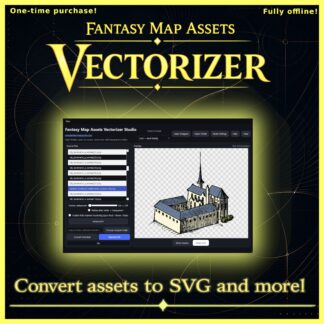
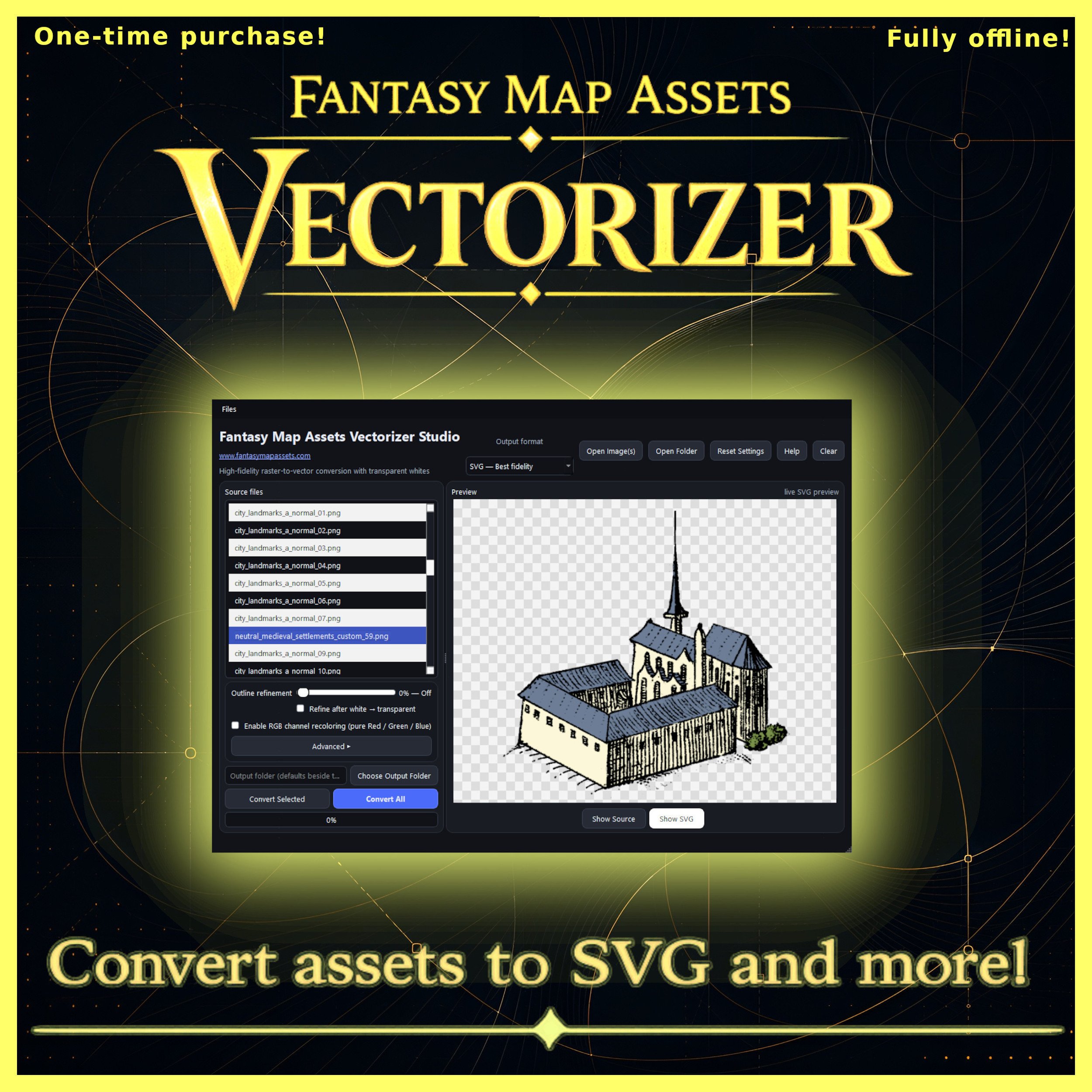
Fantasy Map Assets Vectorizer is a desktop application designed to convert raster assets into vector graphics with just a few clicks.
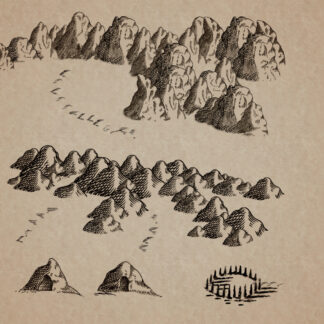
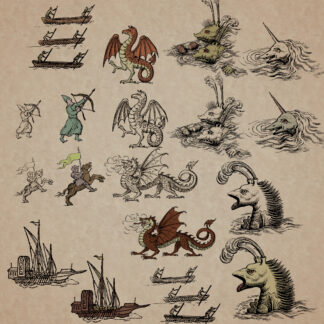
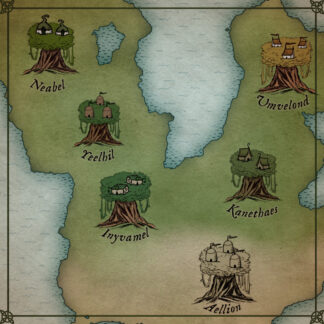
Whether you’re working with fantasy map symbols, Wonderdraft assets, hand-drawn icons, or custom illustrations, the software helps transform pixel-based images into SVG files while preserving as much detail as possible.
Need to turn the white areas of your sample assets into transparency, smooth outlines, or recolor RGB Wonderdraft custom assets? Everything can be done directly inside the software before exporting.
Why use it?
Many fantasy map assets are distributed as PNG images.
While PNG works well, it doesn’t scale infinitely and editing colors or outlines can become difficult.
Fantasy Map Assets Vectorizer makes these assets far more flexible by converting them into editable vector graphics while keeping their original appearance as faithfully as possible.
Built for Fantasy Map Creators
The software works perfectly with:
-
Fantasy map assets
-
Wonderdraft assets
-
Hand-drawn map symbols
-
Cartography icons
-
Any raster artwork
If it’s an image, it can probably be vectorized.
Smooth Outlines
Assets often contain jagged or pixelated edges.
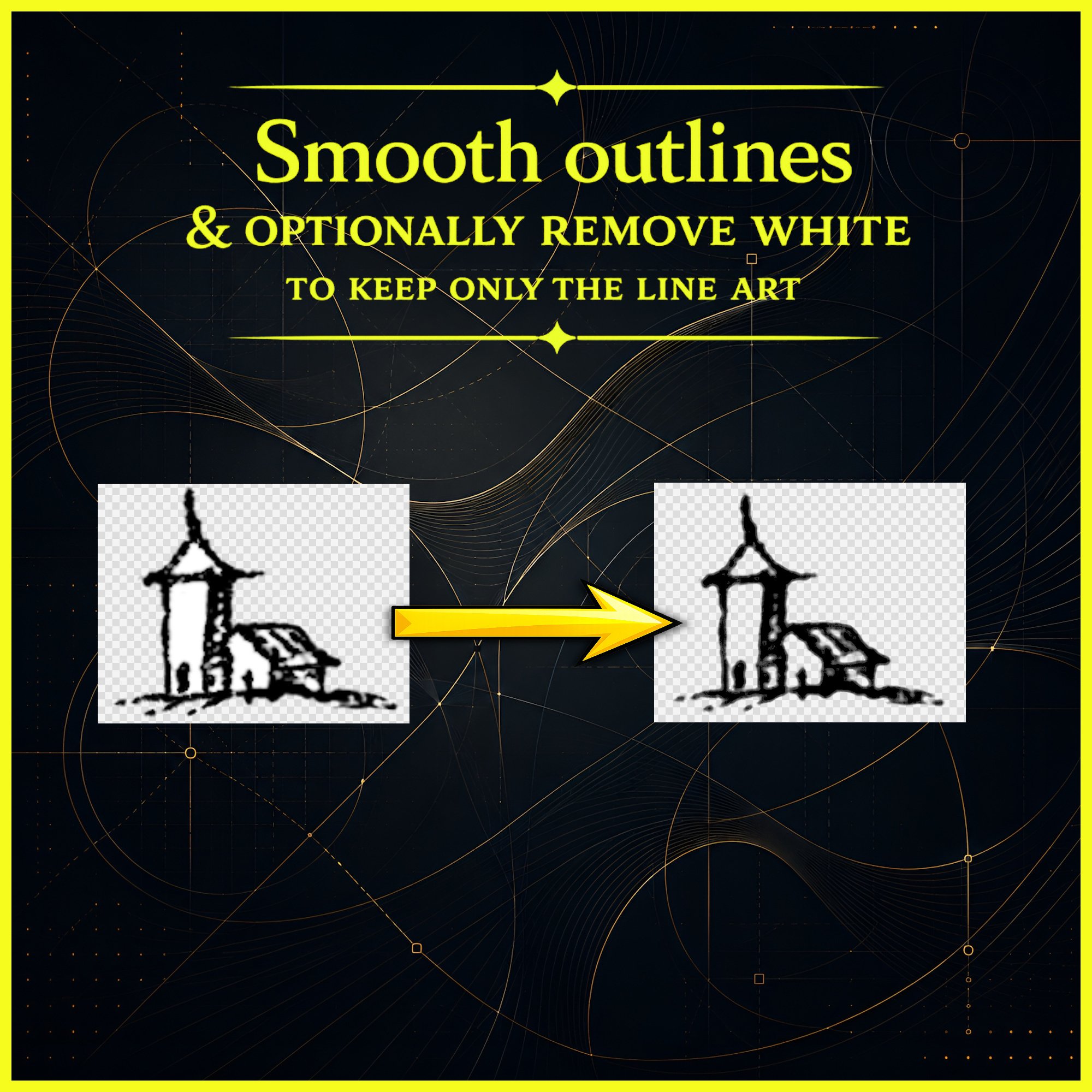
The built-in Outline Refinement system smooths silhouettes before vectorization, producing more professional-looking results while preserving the overall shape.
You can even decide whether smoothing happens before or after white-background removal depending on the type of artwork.
Remove White Areas
Many fantasy assets contain white areas that you may want to convert into transparency.
With a single option, pure white can automatically become transparent during conversion, making assets ready for modern map-making software.
Neutral grayscale can also be converted into opacity for cleaner line art.
Wonderdraft RGB Custom Asset Recoloring
Working with Wonderdraft RGB custom assets?
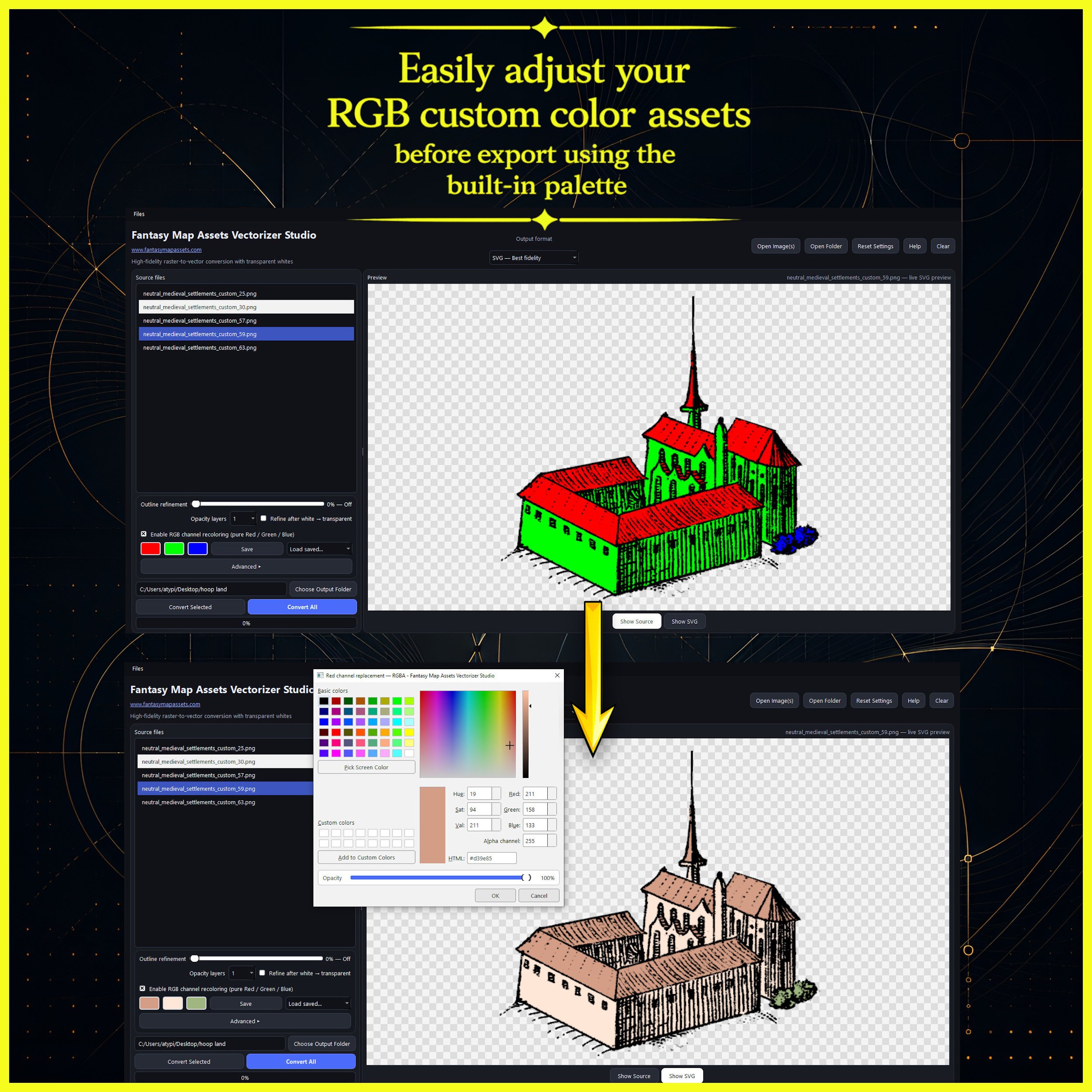
Fantasy Map Assets Vectorizer lets you replace pure Red, Green and Blue channels with any colors before export.
Each channel can receive its own custom color and opacity using the built-in color picker, making it easy to create multiple visual variations without editing the original files.
Batch Processing
Import an entire folder of assets and convert everything at once.
Export dozens or hundreds of files in a single operation, saving valuable production time.
Export Formats
Export your work as:
-
SVG
-
PDF (with or without background)
-
PNG with transparency
-
Indexed PNG with transparency
Choose the format that best fits your workflow.
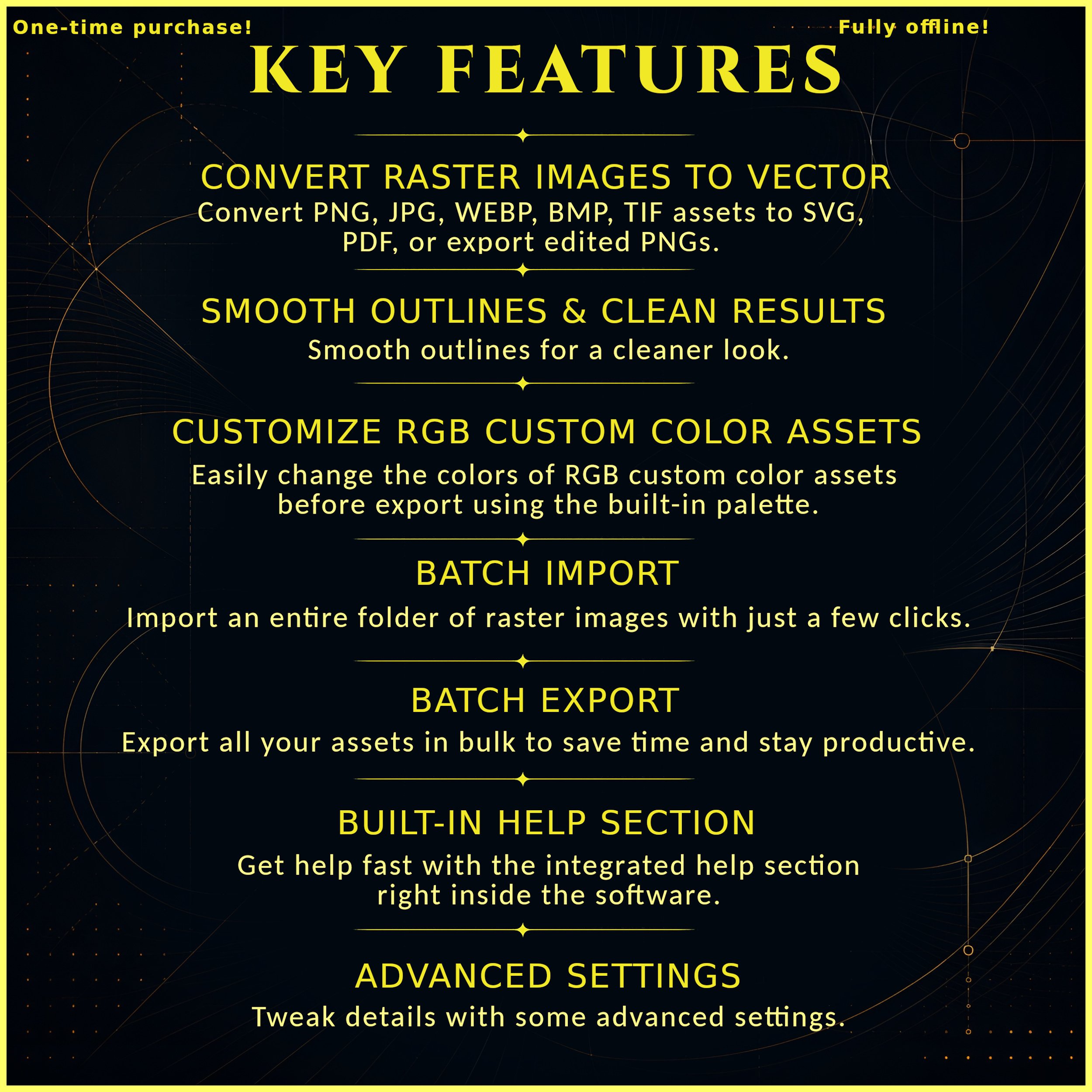
Key Features
-
Convert PNG, JPG, JPEG, WEBP, BMP and TIFF images
-
SVG vector export
-
Vector PDF export
-
PNG export with transparency
-
Outline refinement for smoother edges
-
Optional white background removal
-
Wonderdraft RGB custom assets recoloring
-
Batch import and export
-
Live preview before exporting
-
Built-in help section
-
Advanced conversion settings
-
Fully offline
-
One-time purchase
-
No subscription
In Short
Fantasy Map Assets Vectorizer makes it easy to transform pixel-based fantasy assets into scalable vector graphics.
Whether you’re preparing assets for Wonderdraft, creating your own symbol library, or simply cleaning up old artwork, it provides a fast, fully offline workflow with powerful conversion tools and no technical knowledge required.