Description
You can use this assets pack with Wonderdraft as well as any image editing software such as Photoshop or GIMP.
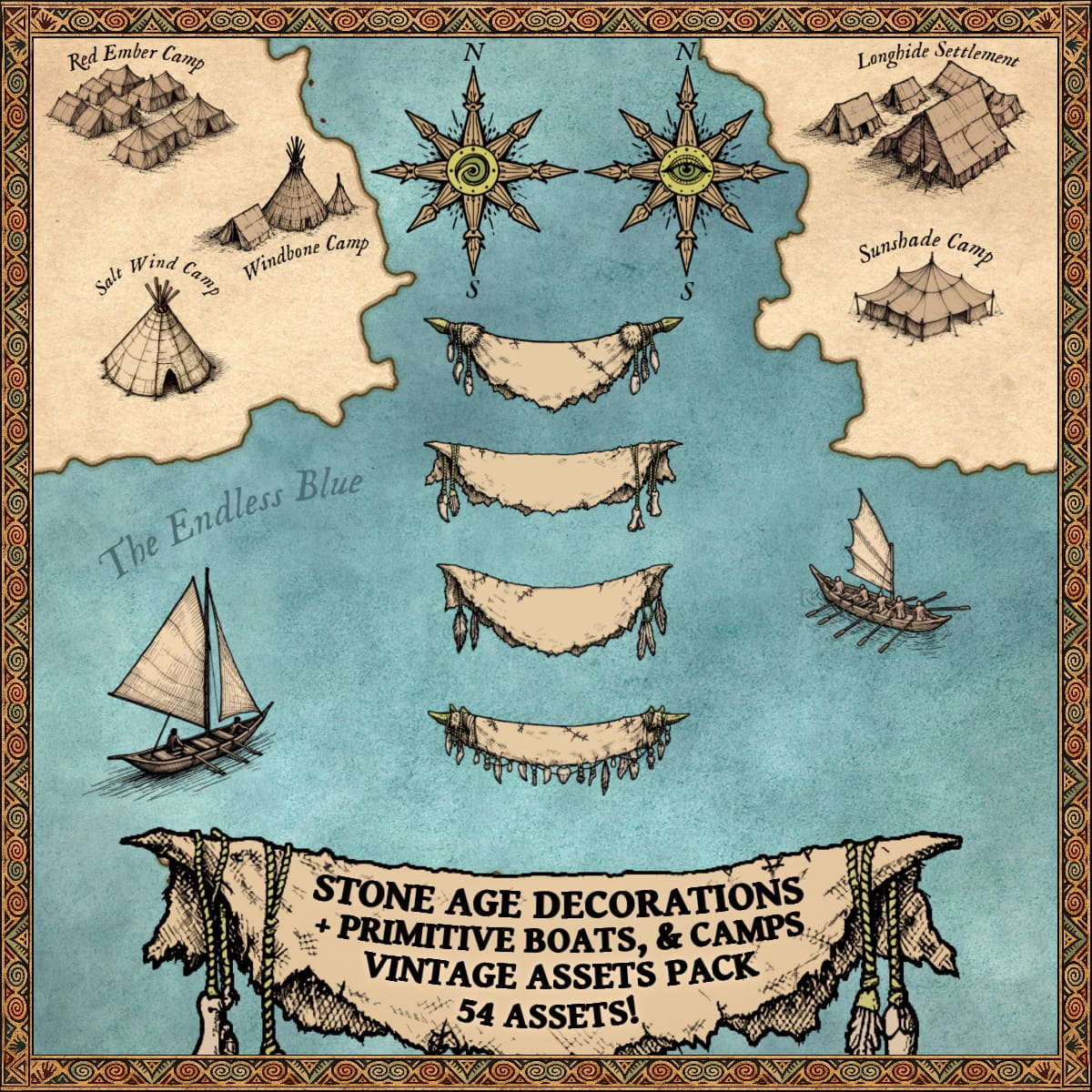
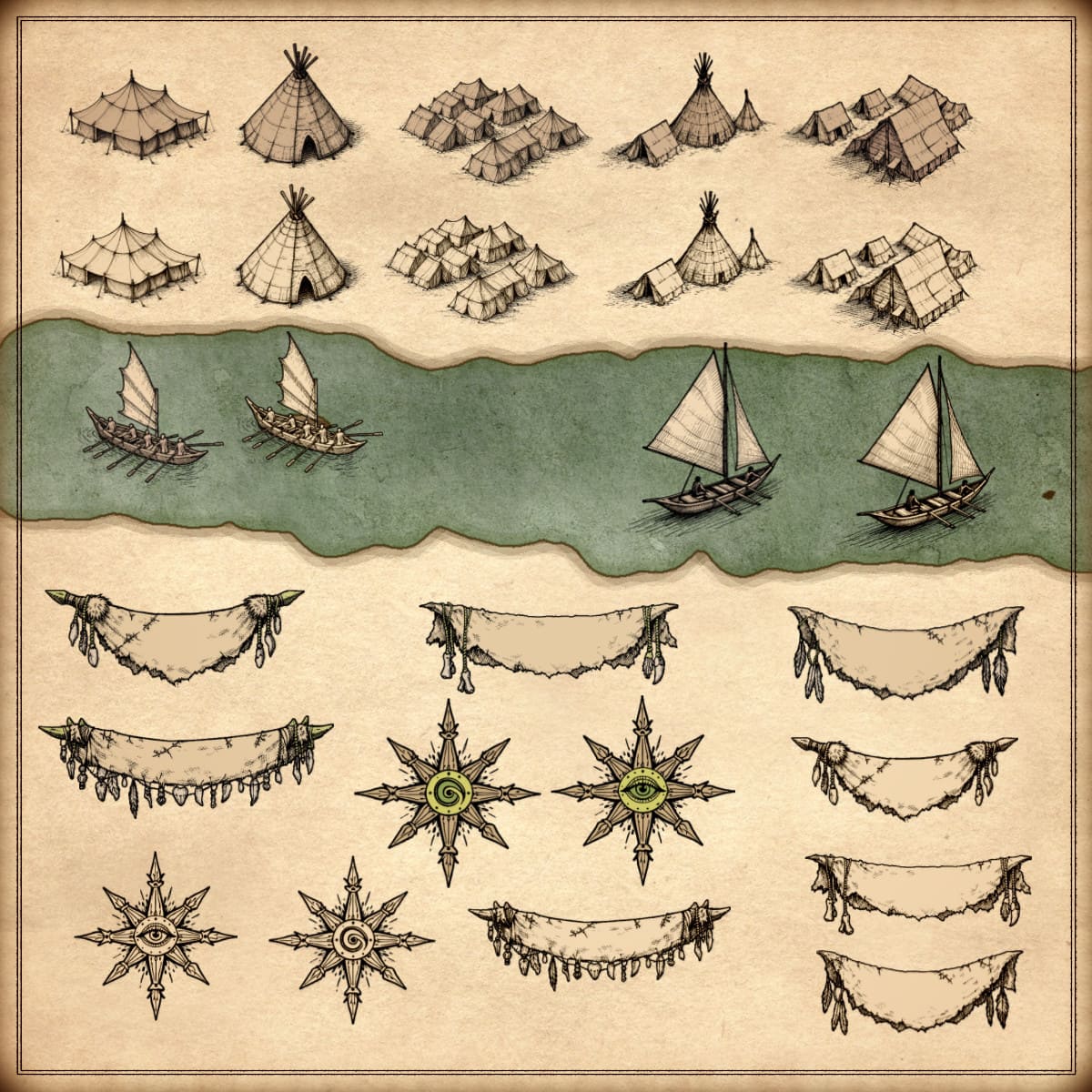
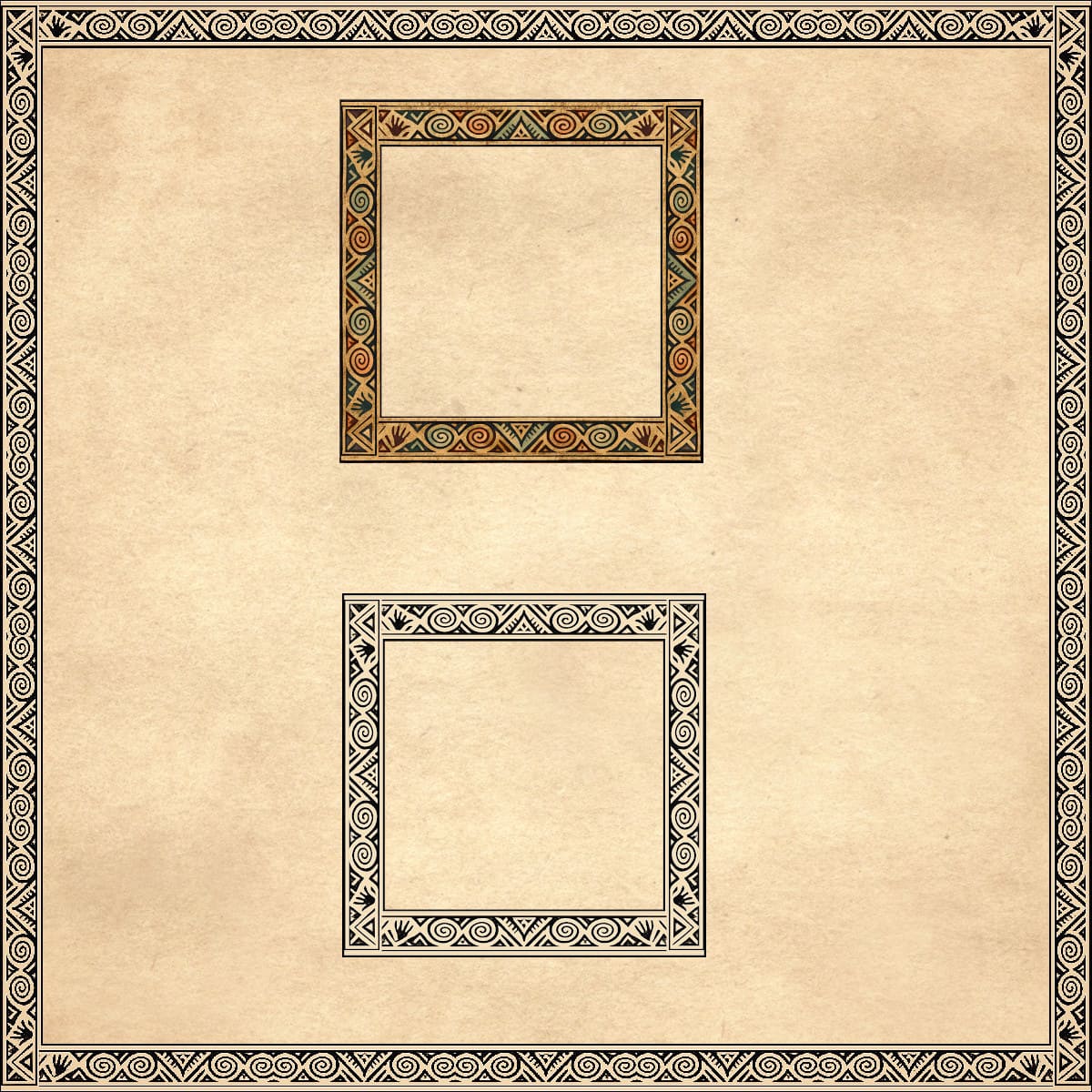
Take your maps to a new level of authenticity with the Stone Age Decorations (compass roses, frames, ribbon banners), Primitive Boats & Camps – Vintage Assets Pack. Inspired by ancient cartography, this collection features primitive engraved compass roses, decorated frames, rugged hide ribbon banners, handcrafted boats, and detailed camps and tents. Perfect for adding a raw, tribal atmosphere to your fantasy worlds. Designed to blend seamlessly into vintage-style maps, these assets bring depth, character, and storytelling to every creation. These resources are designed for Wonderdraft, but easily usable in other softwares like Inkarnate (Wonderdraft assets are just .png files).
Pack content / map resources / map symbols:
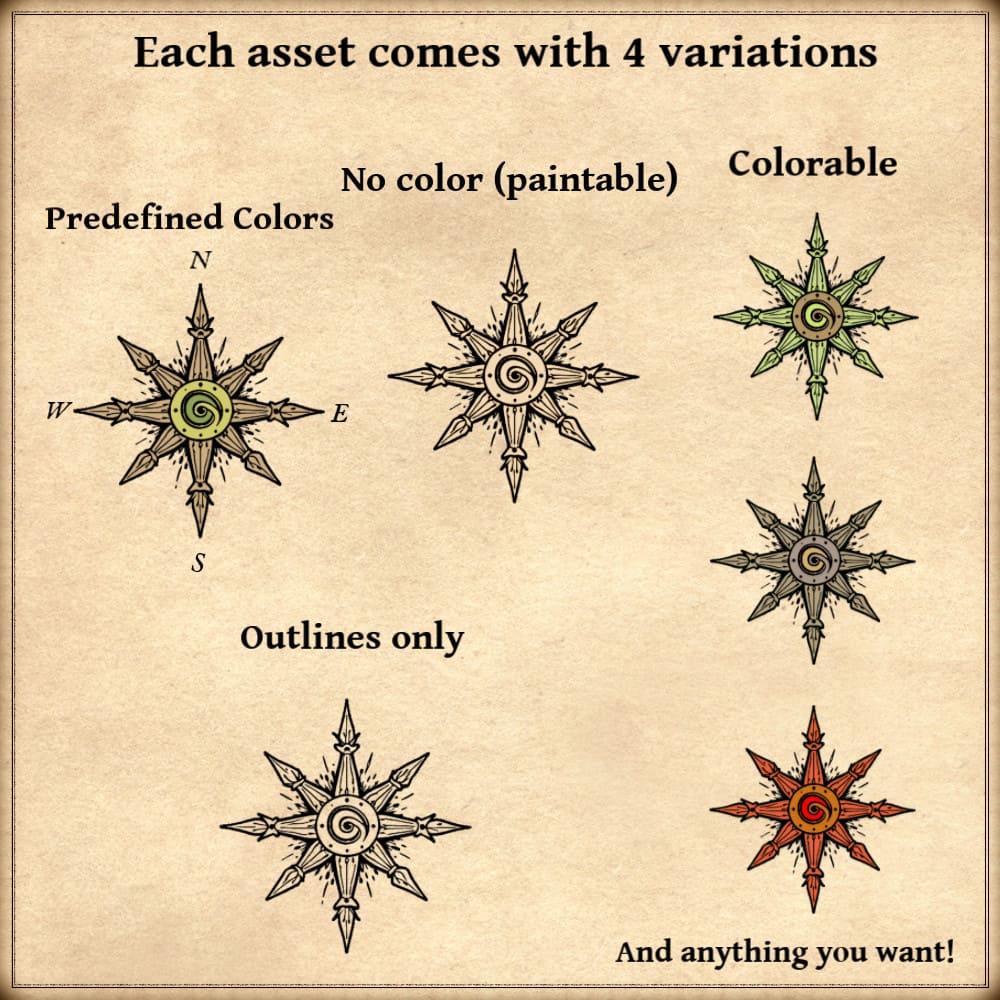
54 vintage assets / symbols : Primitive tent settlements, camps, teepees, primitive boats, decorative banners, tribal compass roses, and much more! for four types of variations (normal, outlined, colorable, paintable).
Details:
- Tribal compass rose with eye symbol (Custom color, sample color, normal color, and outlined)
- Tribal compass rose with spiral symbol (Custom color, sample color, normal color, and outlined)
- Hanging cloth ribbon banners (Custom color, sample color, normal color, and outlined)
- Primitive fishing boats and sailboats (Custom color, sample color, normal color, and outlined)
- Nomadic encampments (Custom color, sample color, normal color, and outlined)
- Primitive tent settlements (Custom color, sample color, normal color, and outlined)
- Camps (Custom color, sample color, normal color, and outlined)
- Teepees (Custom color, sample color, normal color, and outlined)
- Tents (Custom color, sample color, normal color, and outlined)
- Map frames (Colored version and non colored version)
Sample Color – you can change their coloring and you can paint it with a colored brush.
Custom Color – their coloring can be user defined.
Normal Color – their coloring is predefined.
Outlined – outlines only.
Installation Instructions for Wonderdraft
After you have downloaded the zipped file unzip it into an empty folder.
You will have a new folder: ‘ Stone Age Decorations Pack ’. Locate your Wonderdraft assets folder.
Copy and paste ‘ Stone Age Decorations Pack ’ folder into your Wonderdraft assets folder.
Instructions for use with Photoshop or Gimp or any other image editing software
You can use the included PNG images with these software programs.
For images labeled as ‘normal color,’ you can use them as-is in all of your image software.
For images labeled as ‘sample color,’ if you want to create a transparent background and only keep the outlines so you can add your own colors, it’s best to put the layer with the image(s) in ‘multiply’ mode. This will make the white color completely transparent, allowing you to keep only the black lines.
For images labeled as ‘custom color,’ you can choose your own colors by changing the hue of each of the three primary colors separately.
May your journeys through cartography assets & fantasy map symbols be filled with boundless imagination and endless discovery. Happy mapping!
Feel free to revisit Fantasy Map Assets anytime for more exciting cartography resources and inspiration. Happy mapping adventures await you!