Description
You can use this assets pack with Wonderdraft as well as any image editing software such as Photoshop or GIMP.
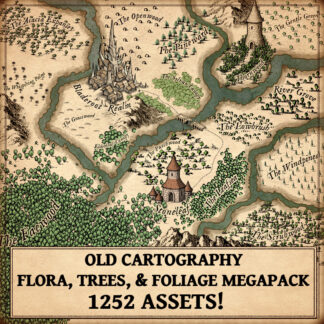
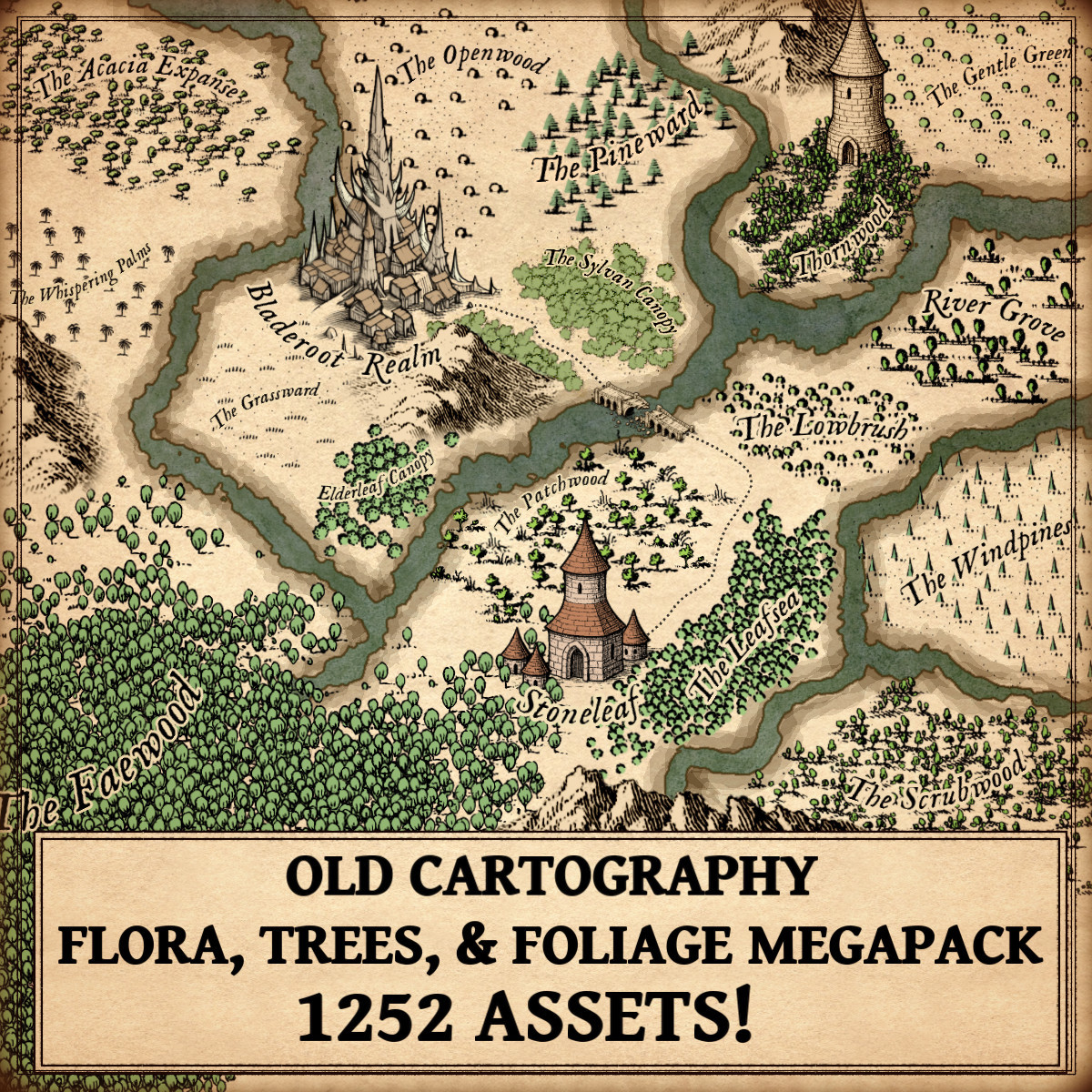
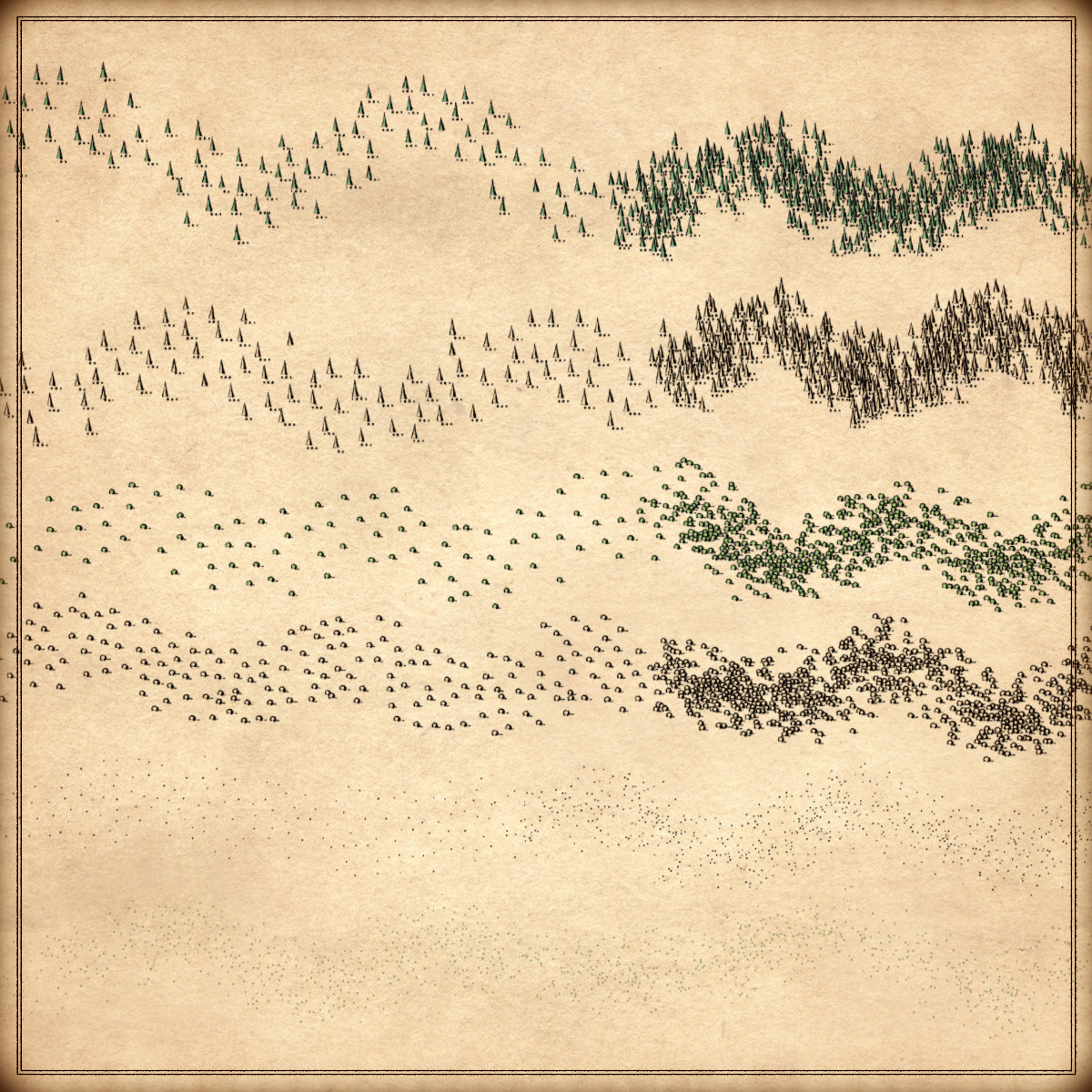
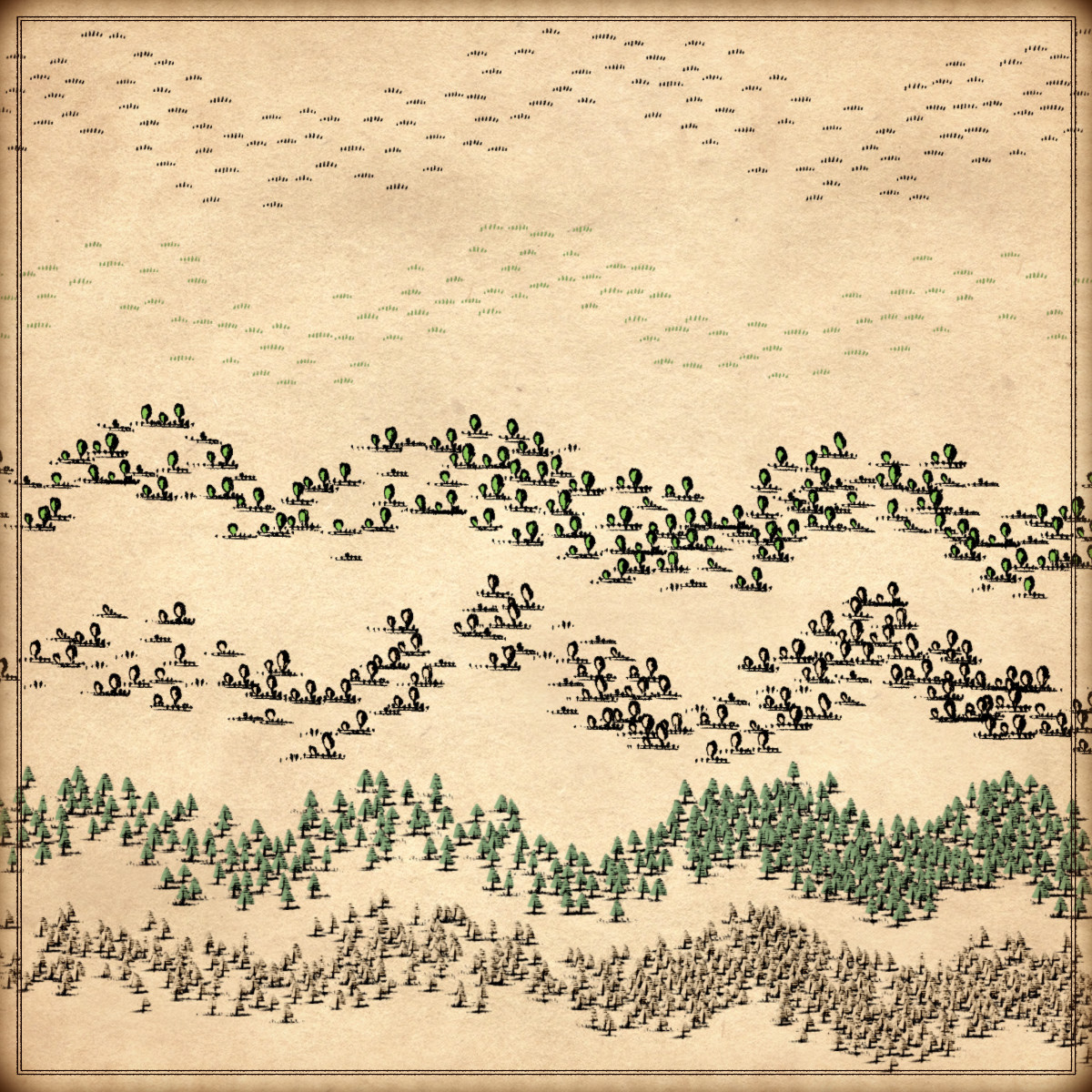
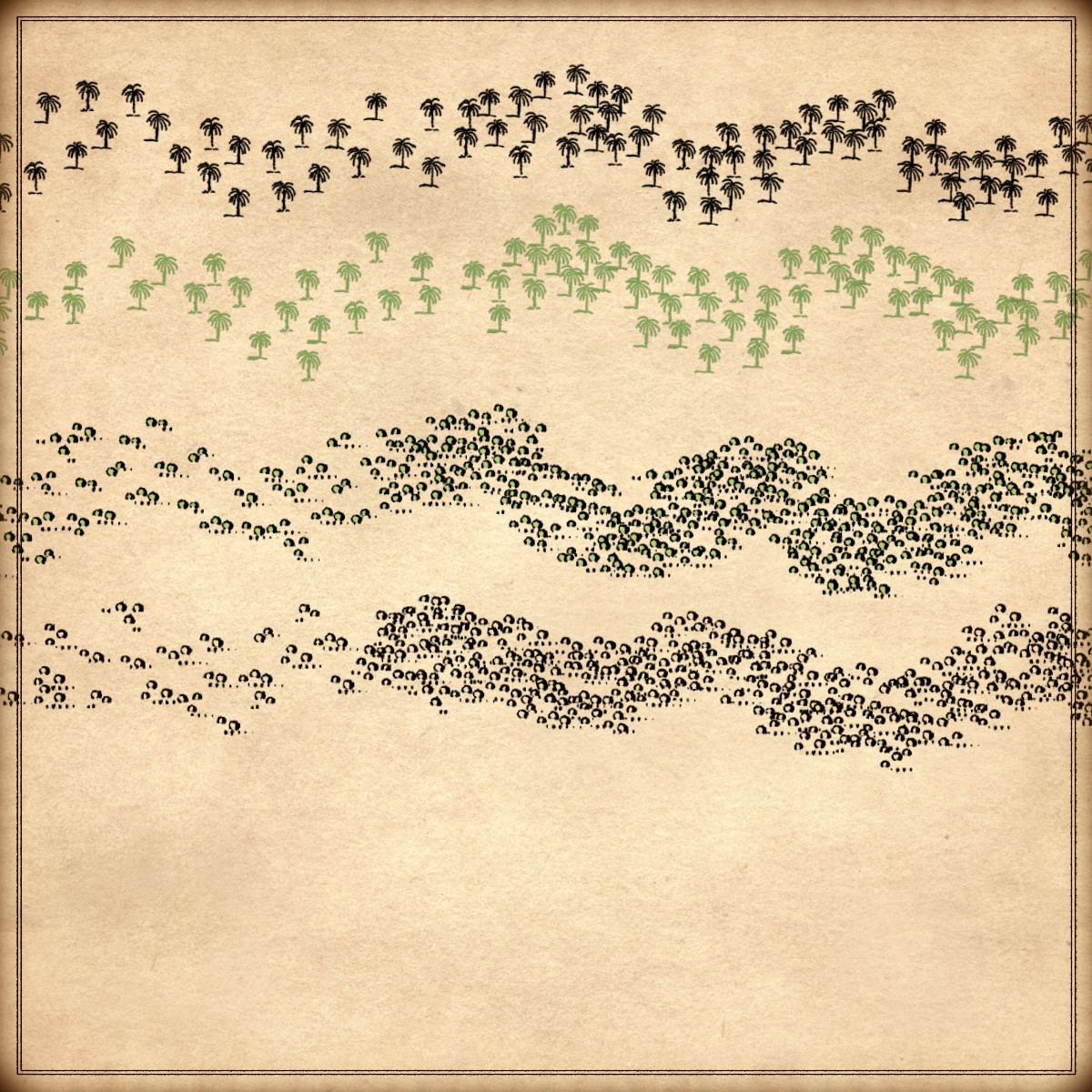
Take your maps to a new level of immersion with Trees, Flora, & Foliage – Old Cartography Assets Megapack, where vegetation becomes a true storytelling tool. In fantasy maps, trees, woods, and forests are essential: they define regions, suggest climates, shape travel routes, hide dangers, and give scale and life to the world. This pack offers a vast selection of trees, forests, oaks, fir trees, pine trees, palm trees, acacia trees, bushes, bushland trees, and more, all inspired by old cartographic styles. Each vegetation type includes a large variety of handcrafted assets, creating rich, natural forests and landscapes without repetition, for maps that feel alive, believable, and carefully illustrated rather than procedurally cloned. These resources are designed for Wonderdraft, but easily usable in other softwares like Inkarnate (Wonderdraft assets are just .png files).
Pack content / map resources / map symbols:
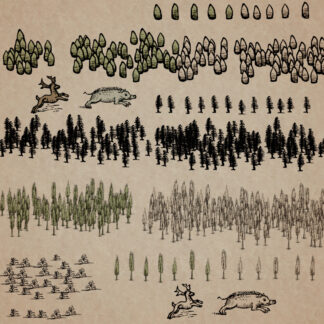
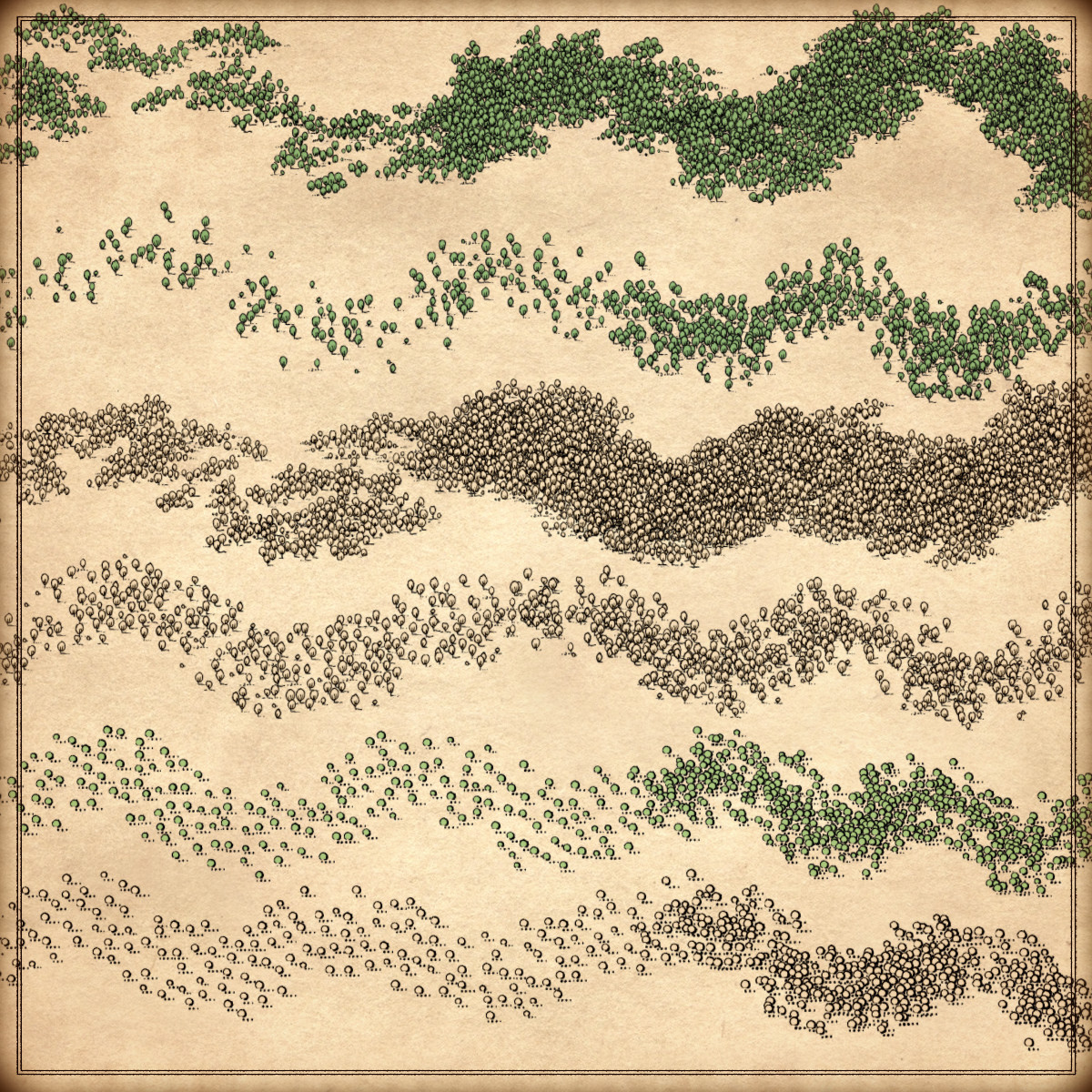
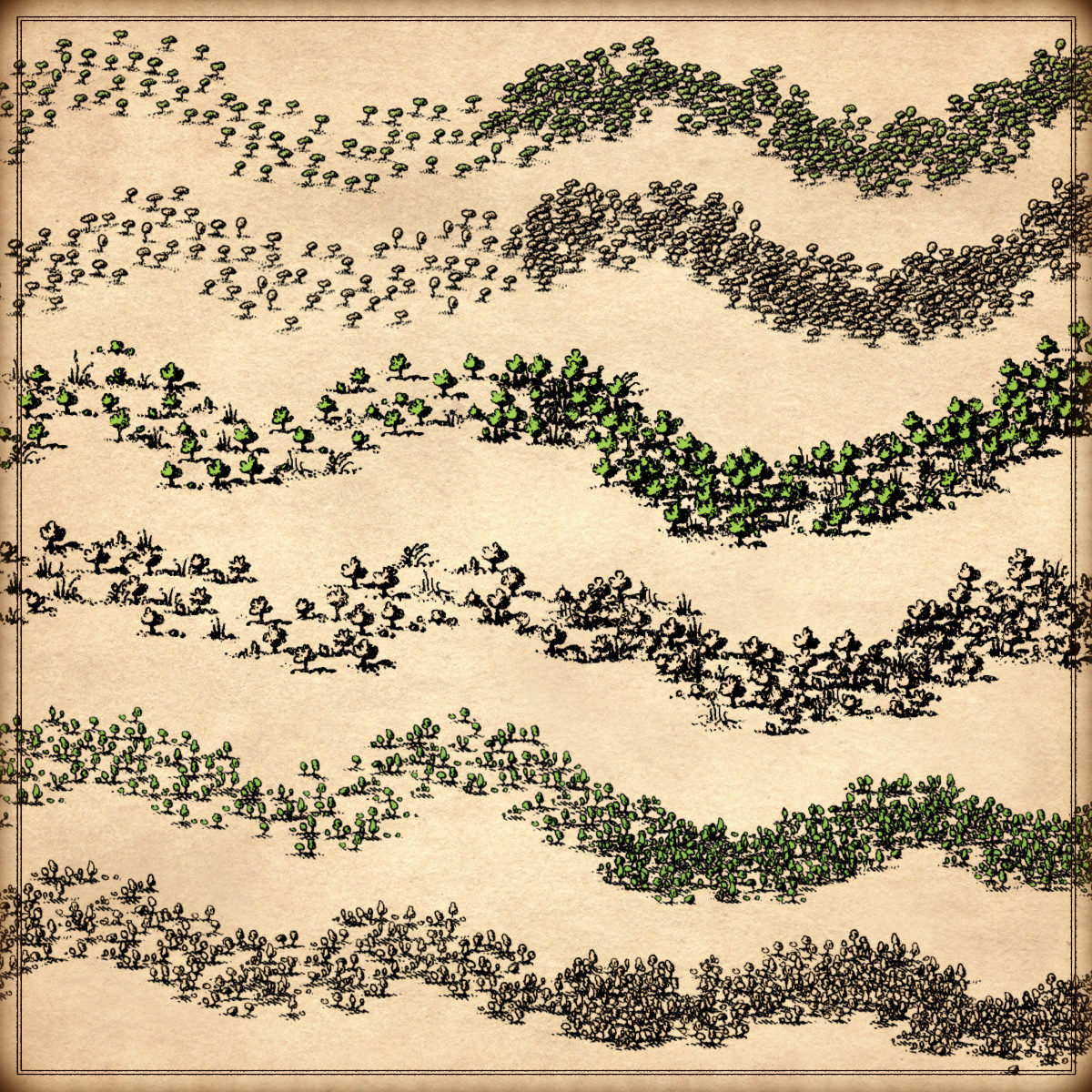
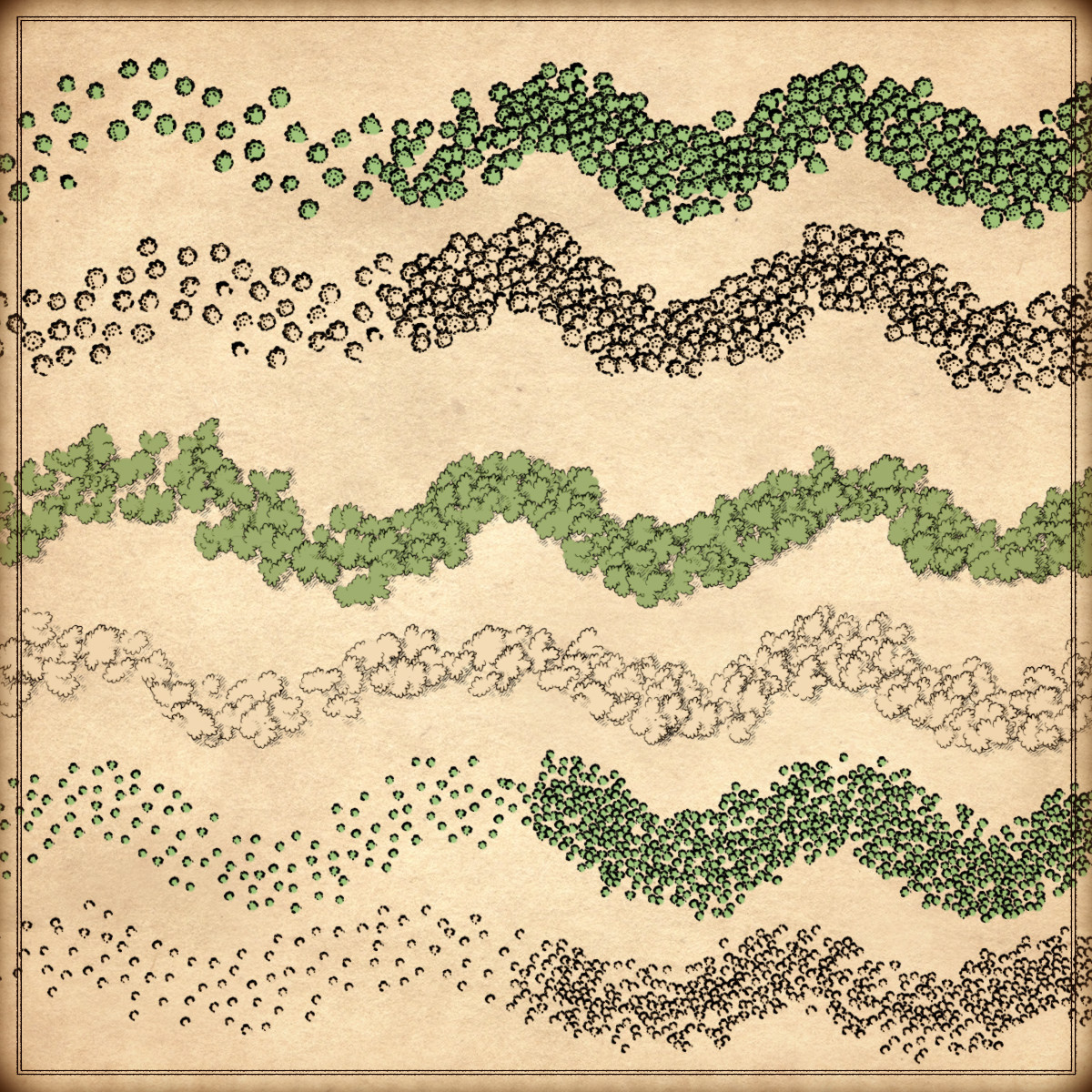
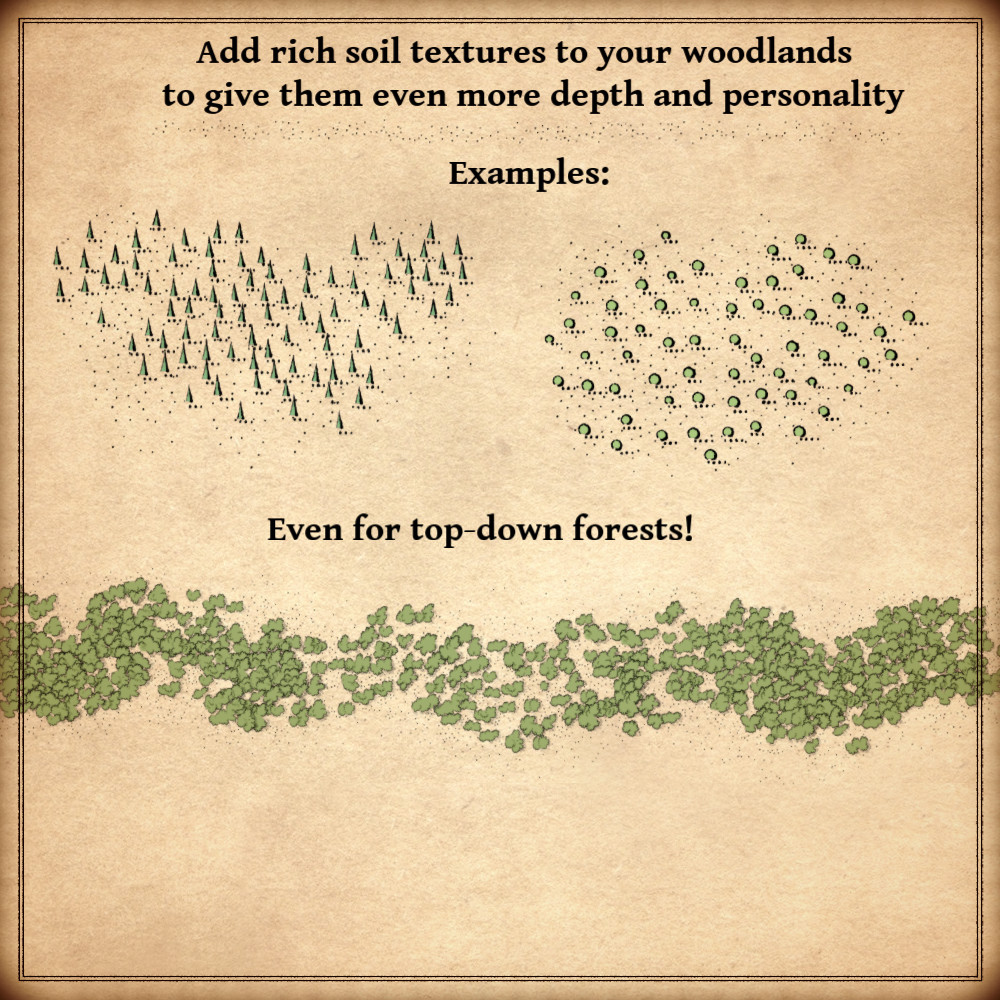
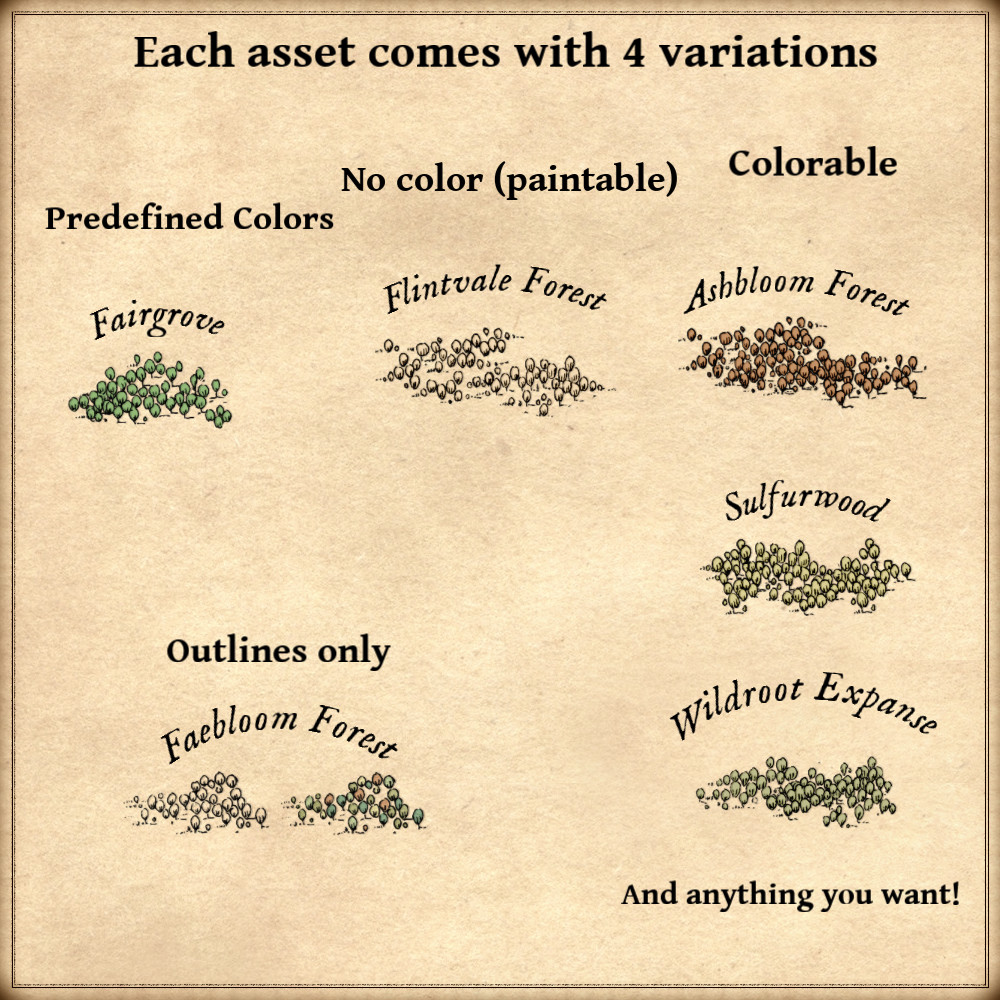
1252 vintage assets / symbols : trees, oaks, fir trees, pine trees, palm trees, acacia trees, bushes, soil texture, bushland trees and flora, meadow grass, grove trees and bushes, oak clumps/forests, top-down trees, vegetation clumps, and much more! for four types of variations (normal, outlined, colorable, paintable).
Details:
- Trees (Custom color, sample color, normal color, and outlined)
- Oaks (Custom color, sample color, normal color, and outlined)
- Fir trees (Custom color, sample color, normal color, and outlined)
- Pine trees (Custom color, sample color, normal color, and outlined)
- Palm trees (Custom color, sample color, normal color, and outlined)
- Acacia and savanna trees (Custom color, sample color, normal color, and outlined)
- Bushes (Custom color, sample color, normal color, and outlined)
- Soil texture (Custom color, sample color, normal color, and outlined)
- Bushland flora and trees (Custom color, sample color, normal color, and outlined)
- Meadow grass (Custom color, sample color, normal color, and outlined)
- Brushland (Custom color, sample color, normal color, and outlined)
- Oak tree clumps / forests / woods (Custom color, sample color, normal color, and outlined)
- Top-down trees and foliage (Custom color, sample color, normal color, and outlined)
- Vegetation clumps (Custom color, sample color, normal color, and outlined)
- Mediterranean woodland vegetation (Custom color, sample color, normal color, and outlined)
- Rounded shrubs (Custom color, sample color, normal color, and outlined)
- Low vegetation (Custom color, sample color, normal color, and outlined)
Sample Color – you can change their coloring and you can paint it with a colored brush.
Custom Color – their coloring can be user defined.
Normal Color – their coloring is predefined.
Outlined – outlines only.
Installation Instructions for Wonderdraft
After you have downloaded the zipped file unzip it into an empty folder.
You will have a new folder: ‘ Vegetal Megapack ’. Locate your Wonderdraft assets folder.
Copy and paste ‘ Vegetal Megapack ’ folder into your Wonderdraft assets folder.
Instructions for use with Photoshop or Gimp or any other image editing software
You can use the included PNG images with these software programs.
For images labeled as ‘normal color,’ you can use them as-is in all of your image software.
For images labeled as ‘sample color,’ if you want to create a transparent background and only keep the outlines so you can add your own colors, it’s best to put the layer with the image(s) in ‘multiply’ mode. This will make the white color completely transparent, allowing you to keep only the black lines.
For images labeled as ‘custom color,’ you can choose your own colors by changing the hue of each of the three primary colors separately.
May your journeys through cartography assets & fantasy map symbols be filled with boundless imagination and endless discovery. Happy mapping!
Feel free to revisit Fantasy Map Assets anytime for more exciting cartography resources and inspiration. Happy mapping adventures await you!