Description
You can use this assets pack with Wonderdraft as well as any image editing software such as Photoshop or GIMP.
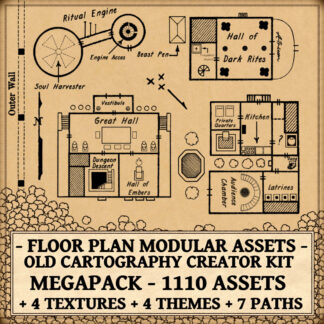
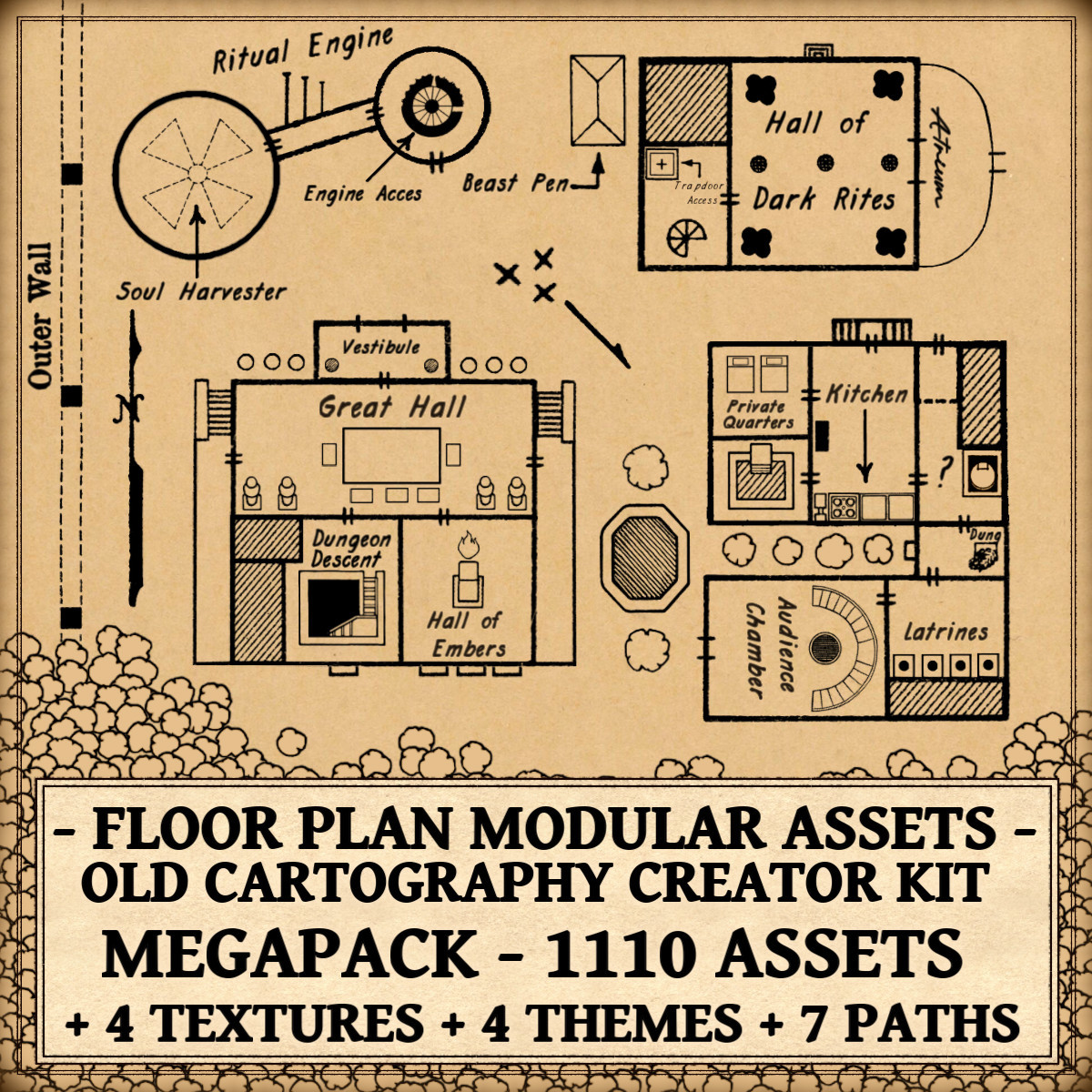
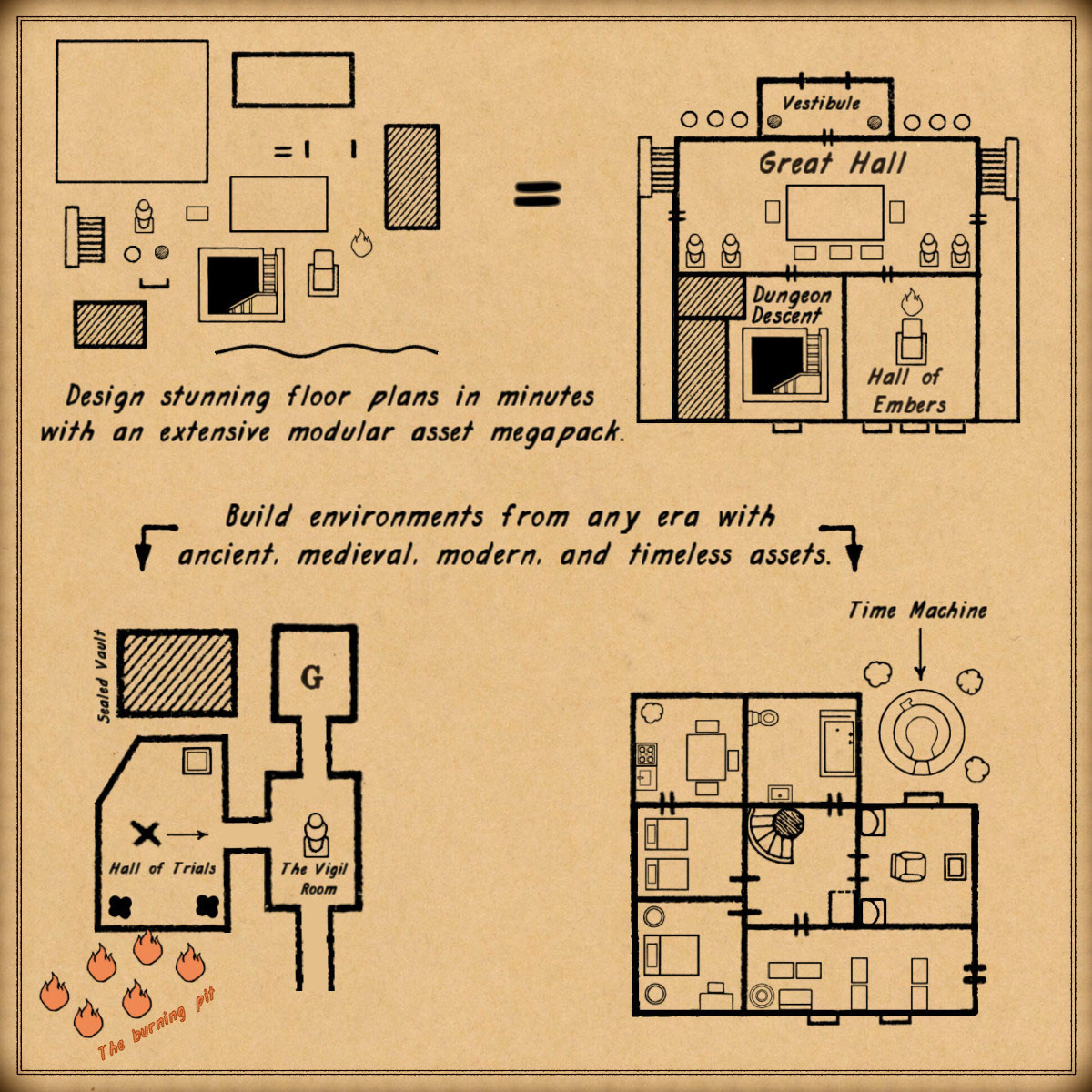
Take your maps to a whole new level with the Floor Plan Modular Top-Down Assets – Old Cartography Creator Kit Megapack. Inspired by the charm of antique cartography and classic architectural floor plans, this extensive collection lets you craft immersive top-down environments in minutes. Build modular rooms, sprawling buildings, dungeons, halls, and detailed interiors using a rich variety of medieval, modern, and timeless elements designed to fit any era. Perfect for fantasy maps, RPG campaigns, worldbuilding, and game design, this kit empowers creators to design visually striking layouts with speed, flexibility, and a distinctive old-world aesthetic. These resources are designed for Wonderdraft, but easily usable in other softwares like Inkarnate (Wonderdraft assets are just .png files).
Pack content / map resources / map symbols:
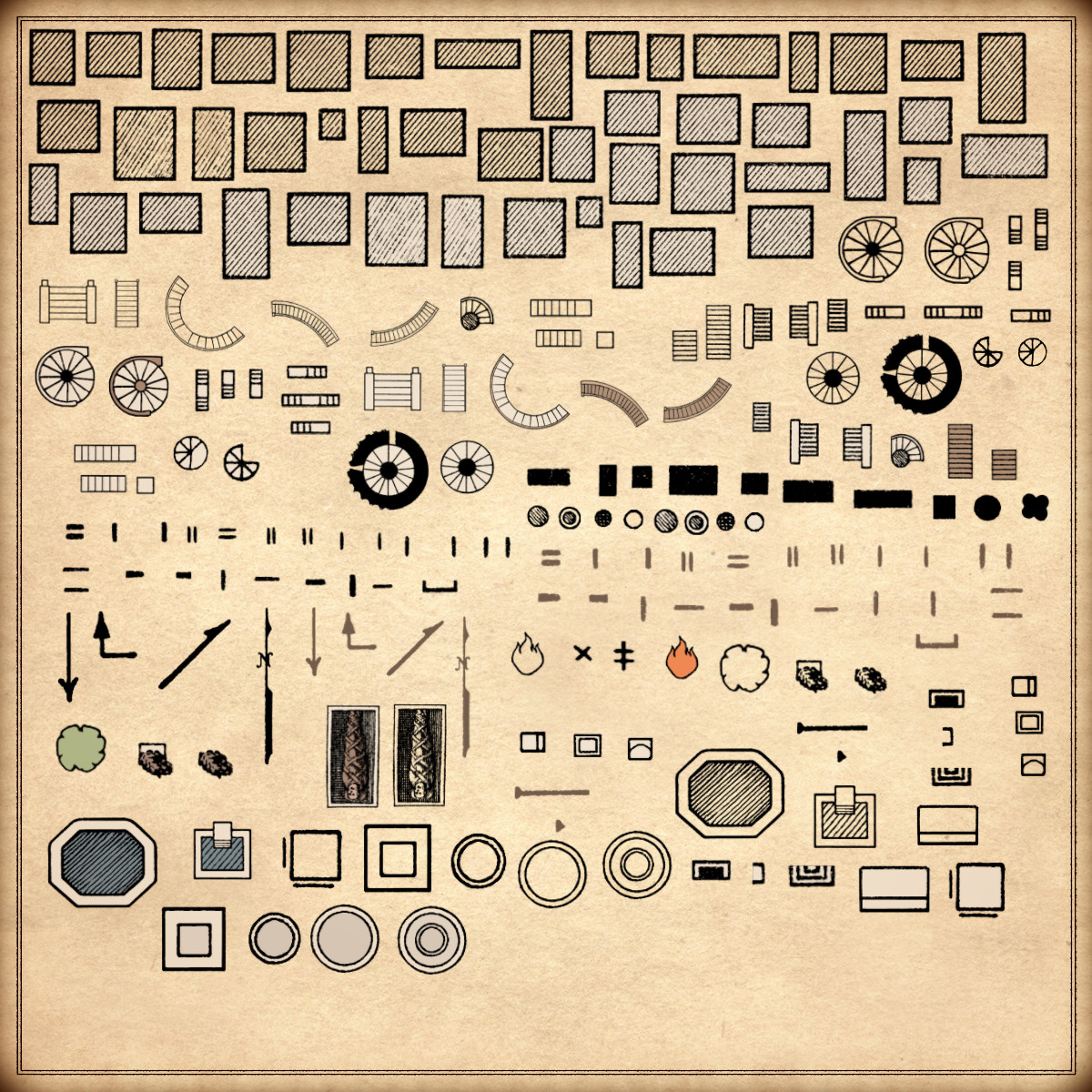
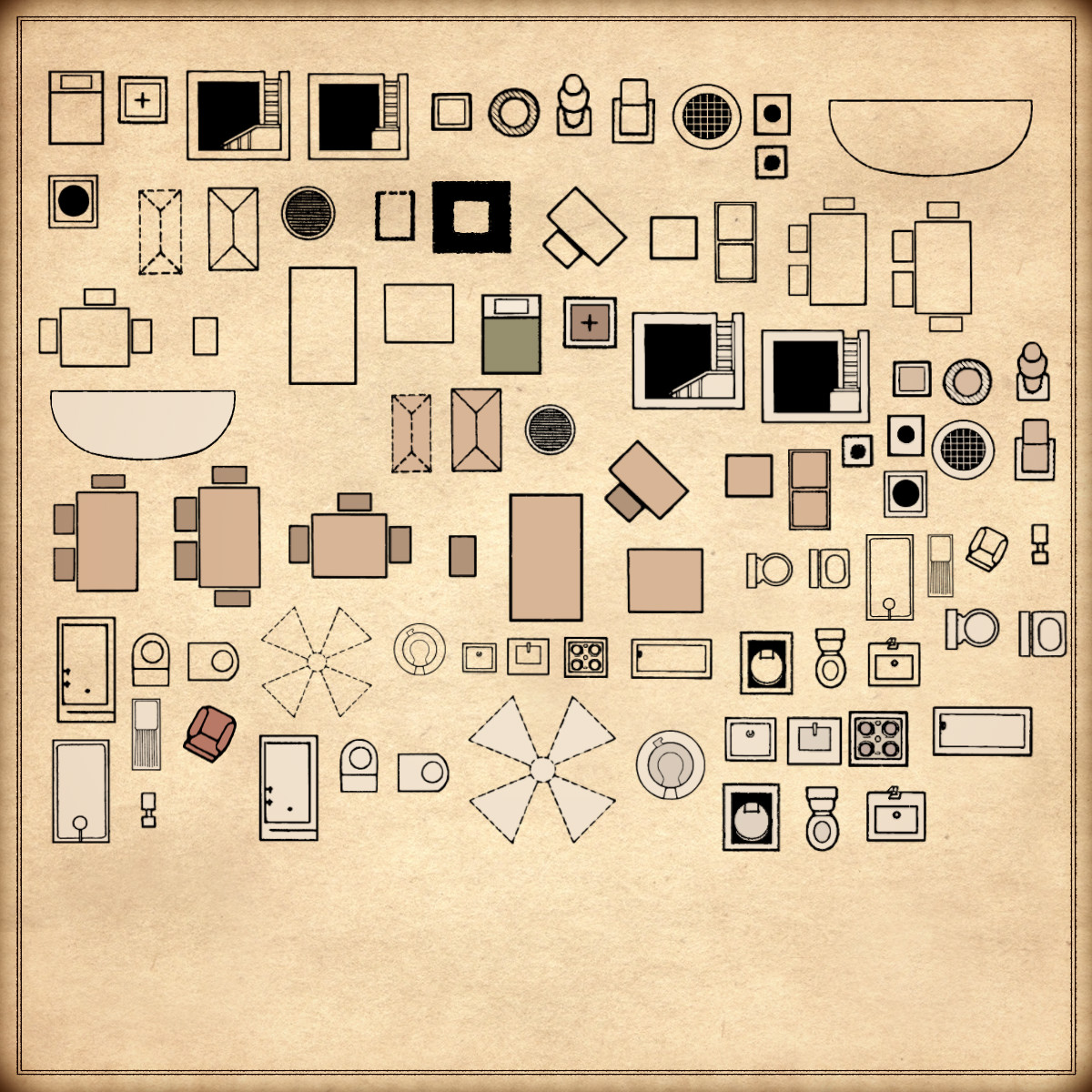
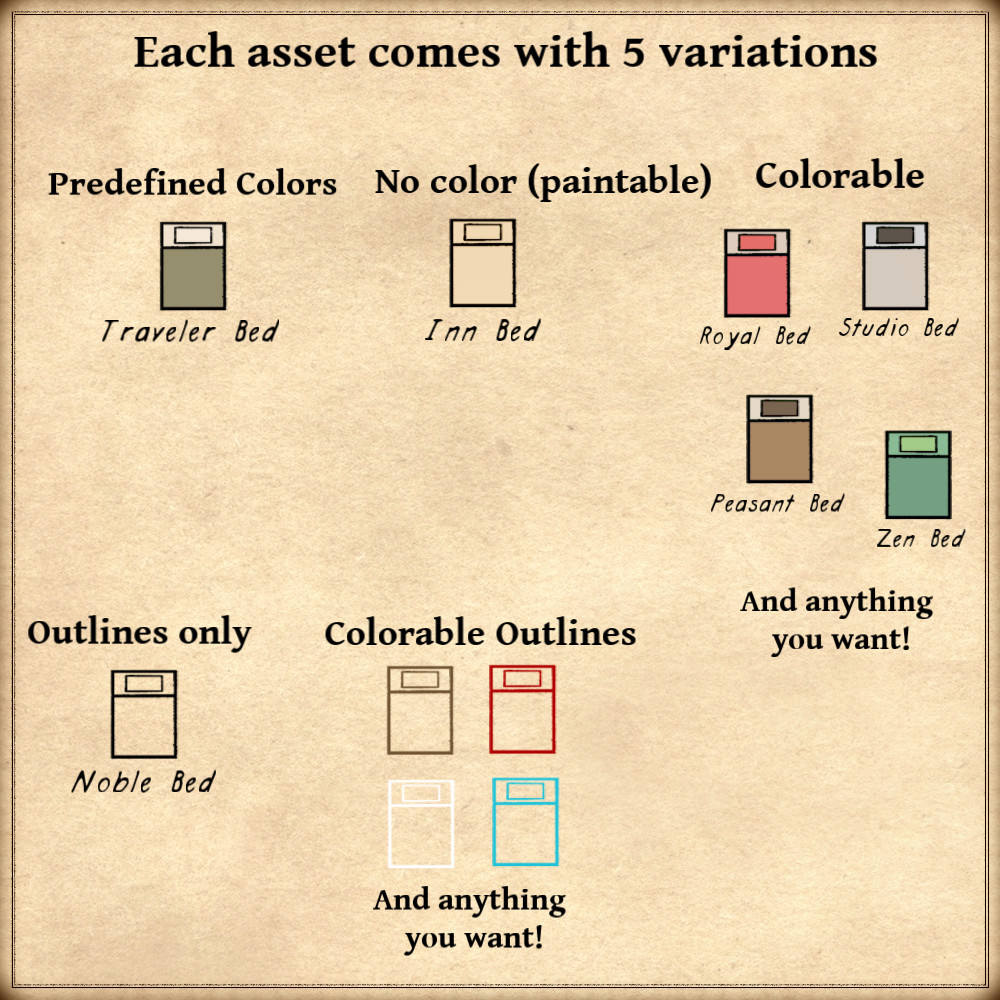
1110 vintage assets / symbols: Modular architectural pieces, various rooms, buildings, stairs, columns, blocks, compasses, arrows, corridors, doors, markers, various architectural symbols, trees, fortification paths, wall paths, corridor paths, trapdoors, tables, chairs/benches, beds, stoves, toilets, bathtubs, statues, modular architectural pieces, windows, and much more! for five variation types (normal, outlined, colorable, paintable, custom outline).
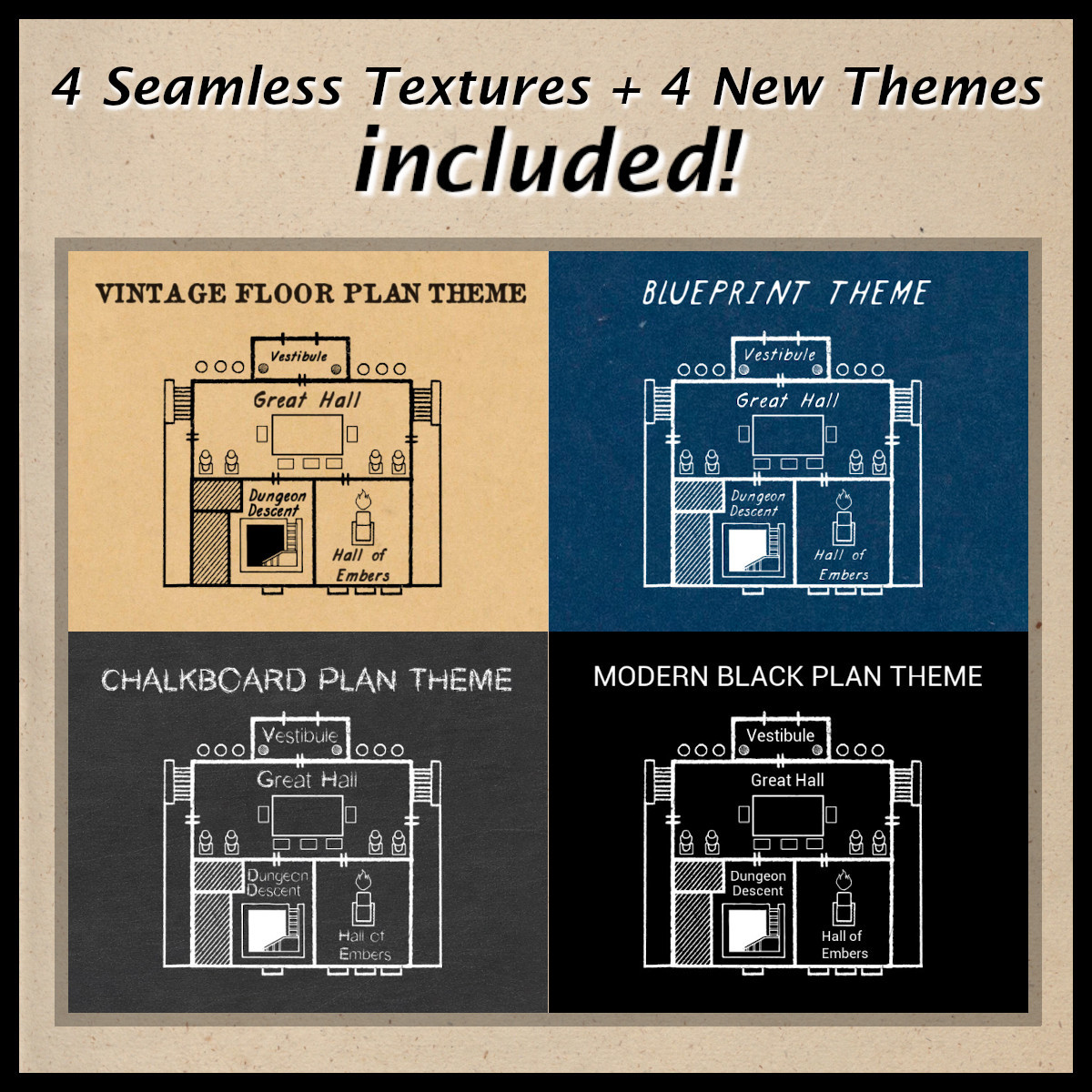
4 textures / themes:
– Vintage floor plan
– Blueprint
– Chalkboard
– Modern black plan
Details:
- Modular architectural pieces (Custom color, sample color, normal color, outlined, custom outline)
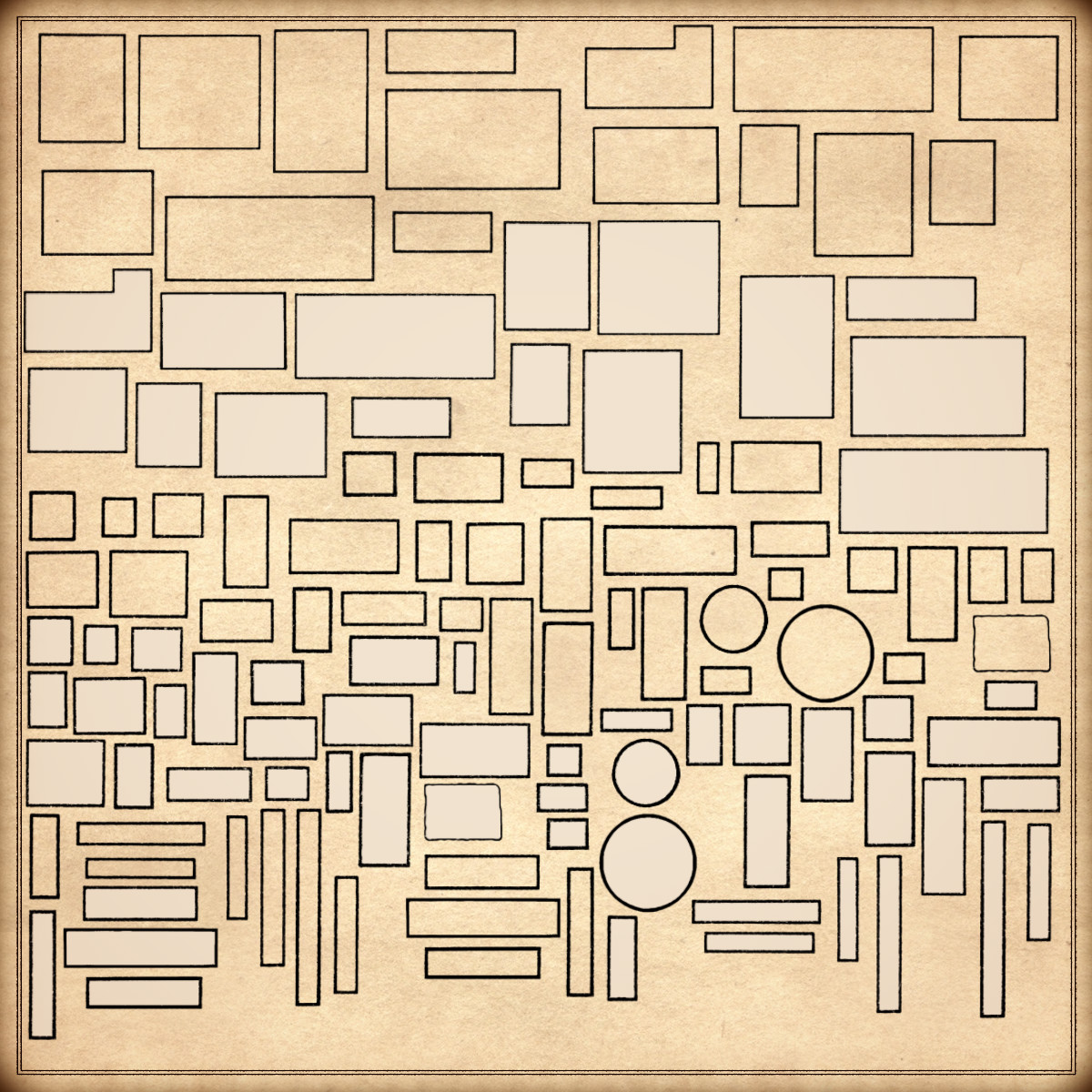
- Rectangular rooms (Custom color, sample color, normal color, outlined, custom outline)
- Square rooms (Custom color, sample color, normal color, outlined, custom outline)
- Large halls (Custom color, sample color, normal color, outlined, custom outline)
- Small chambers (Custom color, sample color, normal color, outlined, custom outline)
- Circular rooms (Custom color, sample color, normal color, outlined, custom outline)
- Special rooms (Custom color, sample color, normal color, outlined, custom outline)
- Corridors (Custom color, sample color, normal color, outlined, custom outline)
- Buildings (Custom color, sample color, normal color, outlined, custom outline)
- Stairs (Custom color, sample color, normal color, outlined, custom outline)
- Spiral staircases (Custom color, sample color, normal color, outlined, custom outline)
- Columns (Custom color, sample color, normal color, outlined, custom outline)
- Blocks (Custom color, sample color, normal color, outlined, custom outline)
- Compasses (Custom color, sample color, normal color, outlined, custom outline)
- Arrows (Custom color, sample color, normal color/outlined/custom outline)
- Doors (Custom color, sample color, normal color/outlined/custom outline)
- Gates (Custom color, sample color, normal color/outlined/custom outline)
- Windows (Custom color, sample color, normal color/outlined/custom outline)
- Markers (Custom color, sample color, normal color, outlined, custom outline)
- Various architectural symbols (Custom color, sample color, normal color, outlined, custom outline)
- Pools and basins (Custom color, sample color, normal color, outlined, custom outline)
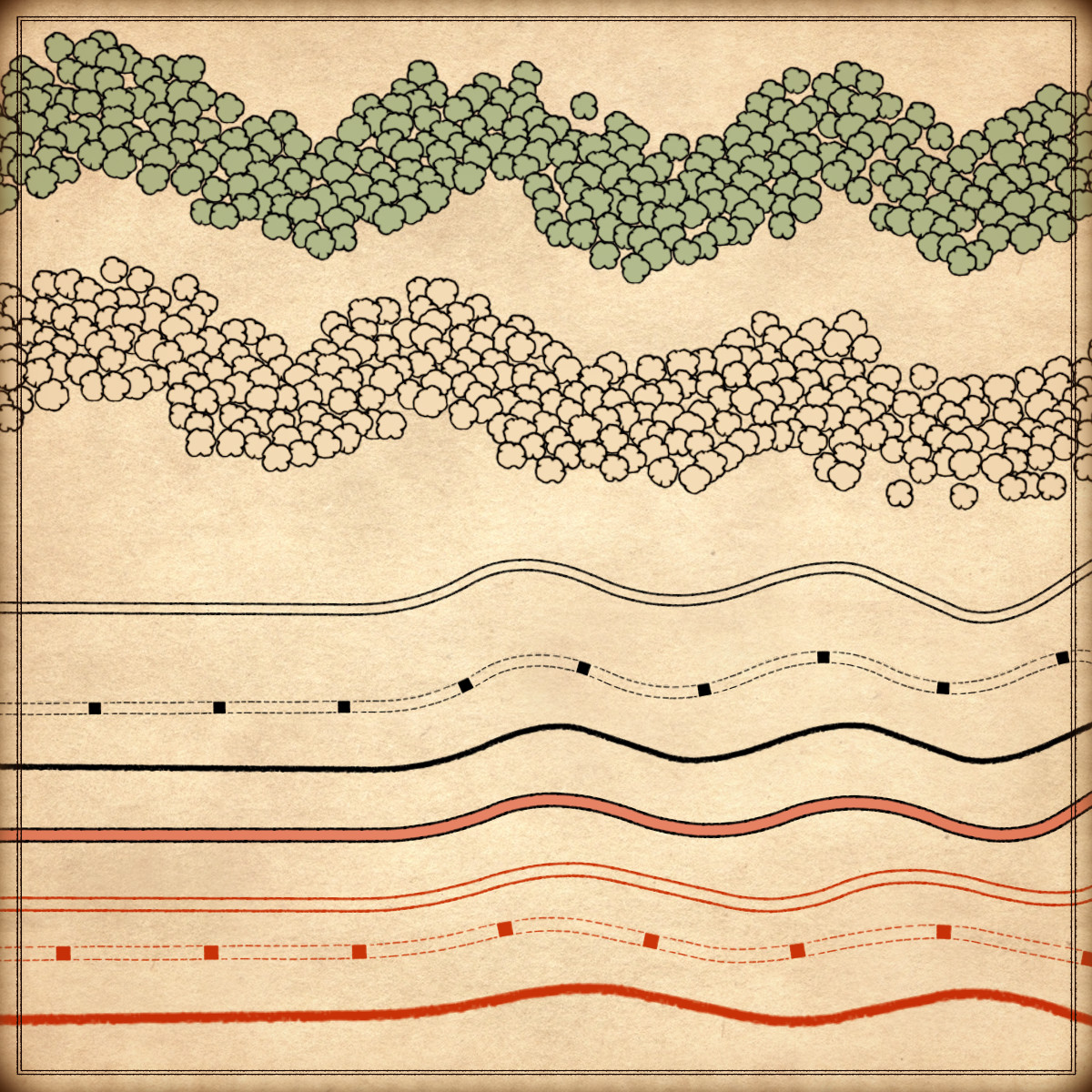
- Trees (Custom color, sample color, normal color, outlined, custom outline)
- Fortification paths (Custom color, sample color, normal color/outlined/custom outline)
- Wall paths (Custom color, sample color, normal color/outlined/custom outline)
- Corridor paths (Custom color, sample color, normal color, outlined/custom outline)
- Trapdoors (Custom color, sample color, normal color, outlined, custom outline)
- Tables (Custom color, sample color, normal color, outlined, custom outline)
- Chairs / Benches / Stools (Custom color, sample color, normal color, outlined, custom outline)
- Beds (Custom color, sample color, normal color, outlined, custom outline)
- Cabinets (Custom color, sample color, normal color, outlined, custom outline)
- Storage blocks (Custom color, sample color, normal color, outlined, custom outline)
- Kitchen counters (Custom color, sample color, normal color, outlined, custom outline)
- stoves / Cooktops (Custom color, sample color, normal color, outlined, custom outline)
- Sinks (Custom color, sample color, normal color, outlined, custom outline)
- Toilets (Custom color, sample color, normal color, outlined, custom outline)
- Latrines (Custom color, sample color, normal color, outlined, custom outline)
- Bathtubs (Custom color, sample color, normal color, outlined, custom outline)
- Statues (Custom color, sample color, normal color, outlined, custom outline)
- Fire / Flames (Custom color, sample color, normal color, outlined, custom outline)
- Dung piles (Custom color, sample color, normal color, outlined, custom outline)
- Closets / Wardrobes (Custom color, sample color, normal color, outlined, custom outline)
- Sarcophagus (Custom color, sample color, normal color, outlined, custom outline)
Sample Color – you can change their coloring and you can paint it with a colored brush.
Custom Color – their coloring can be user defined.
Normal Color – their coloring is predefined.
Outlined – outlines only.
Custom Outline – outlines only, user-defined coloring.
Installation Instructions for Wonderdraft
After you have downloaded the zipped file unzip it into an empty folder.
You will have two new folders: ‘assets’ and ‘themes’. Locate your Wonderdraft custom assets and themes folder.
Copy and paste both assets and themes folders into your Wonderdraft folder and merge with existent folders.
Instructions for use with Photoshop or Gimp or any other image editing software
You can use the included PNG images with these software programs.
For images labeled as ‘normal color,’ you can use them as-is in all of your image software.
For images labeled as ‘sample color,’ if you want to create a transparent background and only keep the outlines so you can add your own colors, it’s best to put the layer with the image(s) in ‘multiply’ mode. This will make the white color completely transparent, allowing you to keep only the black lines.
For images labeled as ‘custom color,’ you can choose your own colors by changing the hue of each of the three primary colors separately.
May your journeys through cartography assets & fantasy map symbols be filled with boundless imagination and endless discovery. Happy mapping!
Feel free to revisit Fantasy Map Assets anytime for more exciting cartography resources and inspiration. Happy mapping adventures await you!